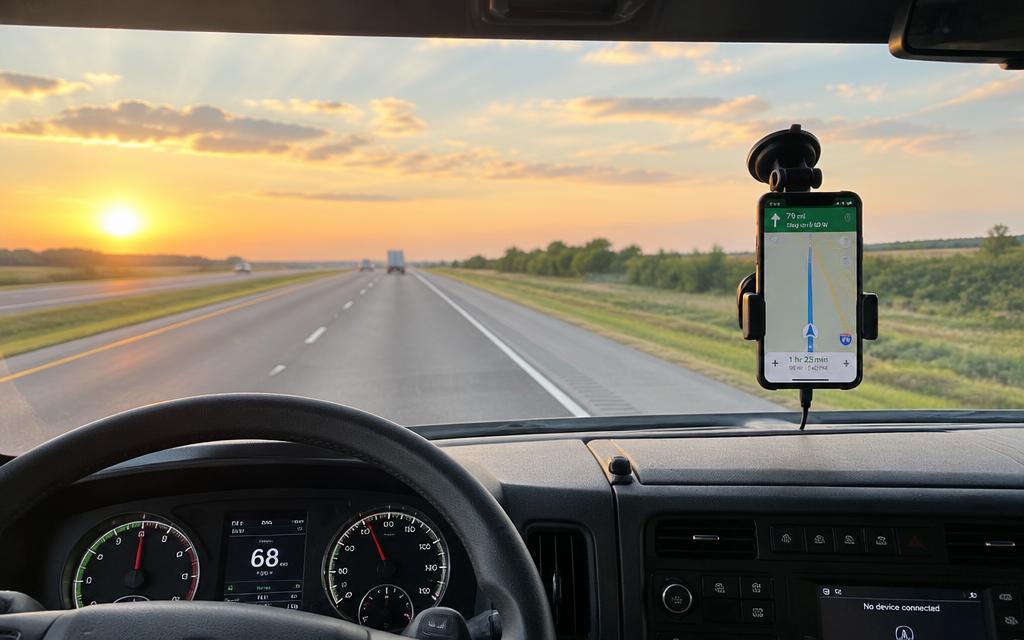
 After signing up
Account created? Now get the app on your phone.
You sign up in the browser. But the app is what tracks the trip, records the route and puts the PTT radio in your pocket.
Get it on Google Play
Scan to download
From signup to your first trip
- 1
Create your account
Pick the right profile: manager, driver or passenger. The trial is free for 7 days.
- 2
Download the FrotaRoute app
It is free on Google Play, for Android phones.
- 3
Sign in with the same login
Use the email and password you just registered.
- 4
Allow location access
The app asks for it on the first trip. Without that permission there is no tracking.
- 5
Start using it
Manager: create the trip and dispatch the route. Driver: start it on the phone. Need voice? Create your PTT station.
Why the app is required
FrotaRoute does not use a tracker installed in the vehicle. The hardware is the phone.
The phone is the tracker
No hardware, no wires, no installation: the app collects GPS, stops and telemetry.
Works with the screen locked
Tracking stays active in the driver's pocket, even with the phone asleep.
PTT radio in your pocket
Instant voice between drivers and dispatch, with no radio to buy.
Without the app the dashboard stays empty: there is no trip to follow.
No Android phone?
Write to app11onze@gmail.com and agree with our team on the best option for your operation.